Message Boxes
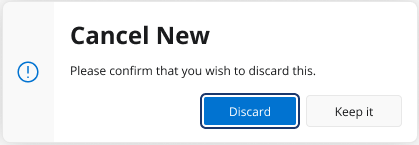
Message boxes are small pop-up windows in IFS Cloud that will prompt you for an immediate action. They typically appear with a concise message and buttons, such as Confirm, Delete or Cancel, allowing you to proceed or dismiss the action.
Keyboard Shortcuts
The table below provides shortcuts associated with Message Boxes.
| Shortcut Key | Description |
 |
Execute action button. |
 |
To move focus from Message box button to another (from left to right) |
 |
To move focus from Message box button to another (from right to left) |
 |
To close the message box without executing any action. |